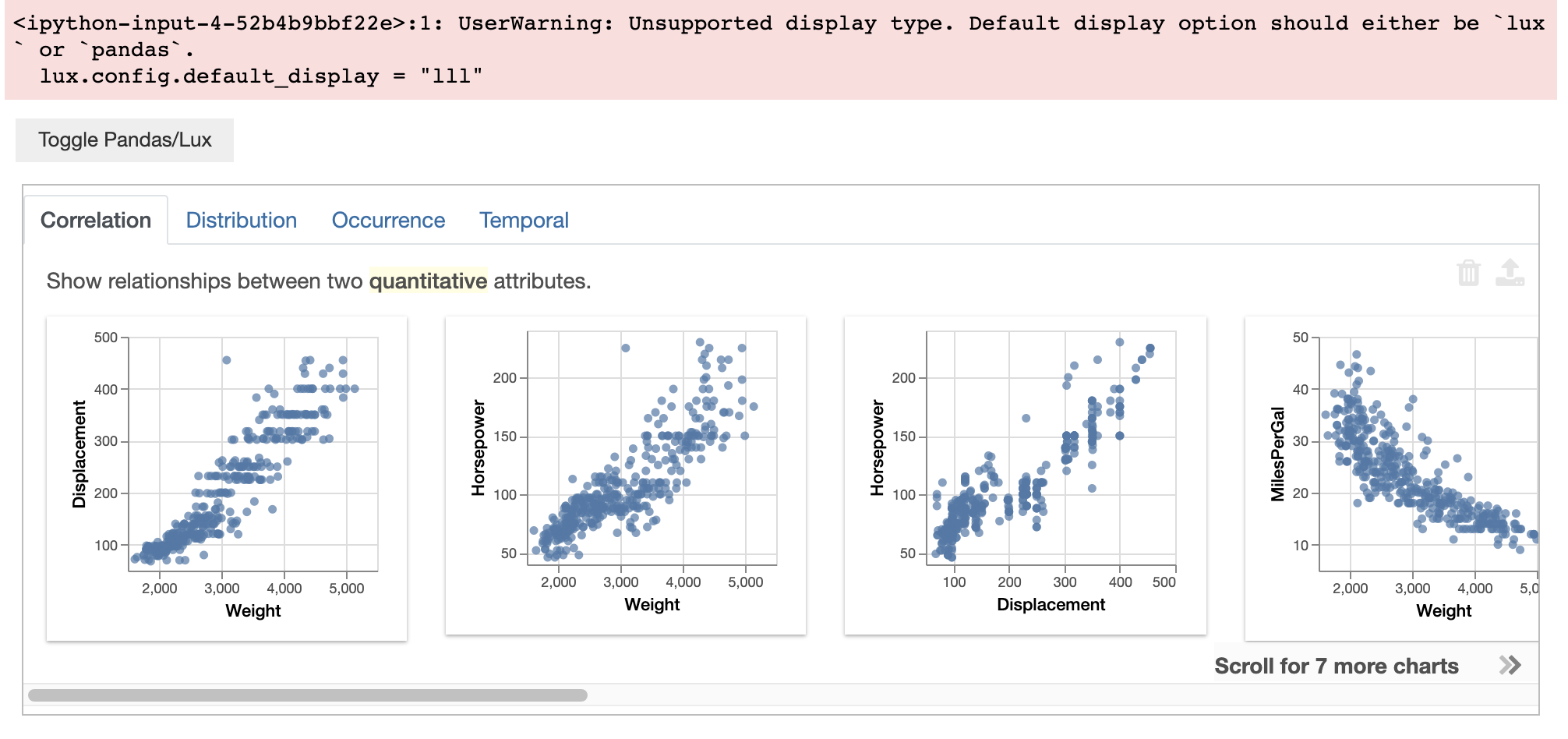
Configuration Settings
In Lux, users can customize various global settings to configure the behavior of Lux through lux.config.Config. This page documents some of the configurations that you can apply in Lux.
Change the default display of Lux
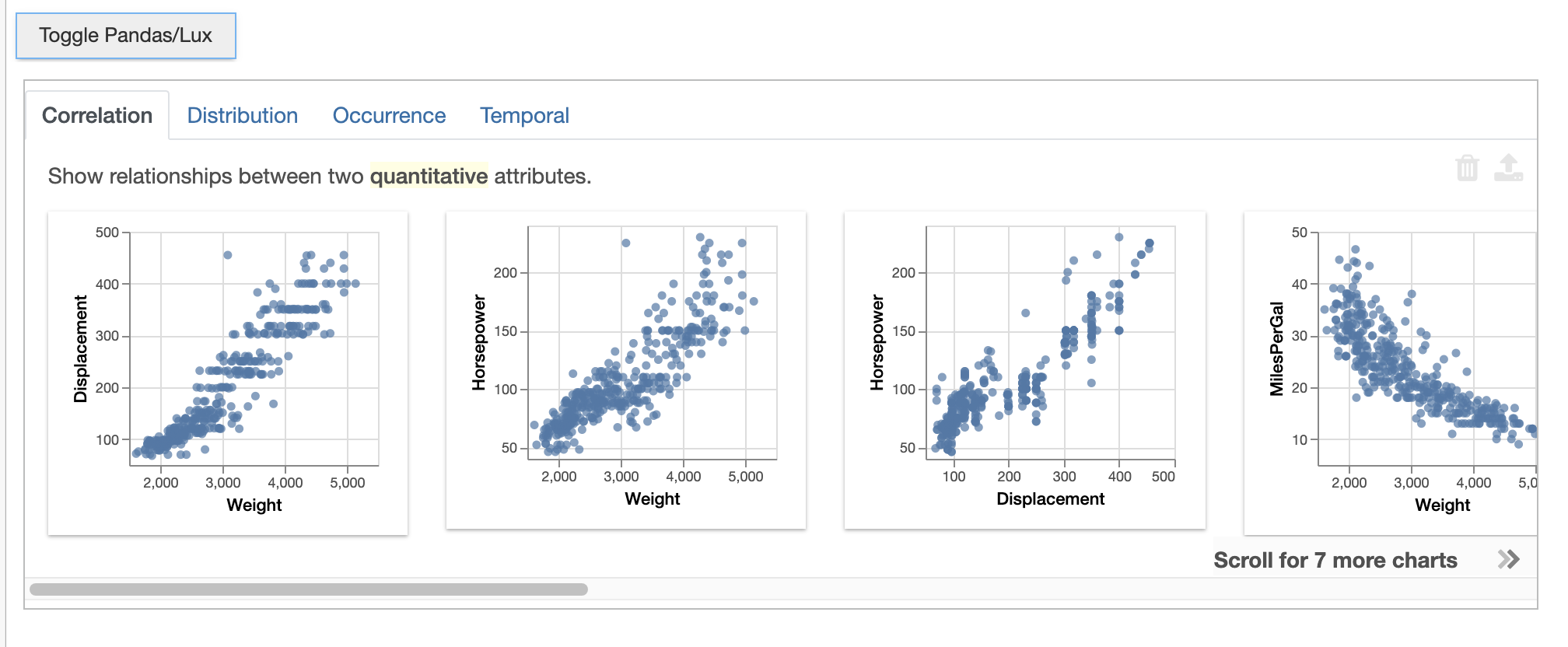
We can set the default_display of the global class ‘Config’ to change the default form of output. In the following block, we set it to ‘lux,’ therefore the VisList will display first.
lux.config.default_display = "lux" # Set Lux as default display
df
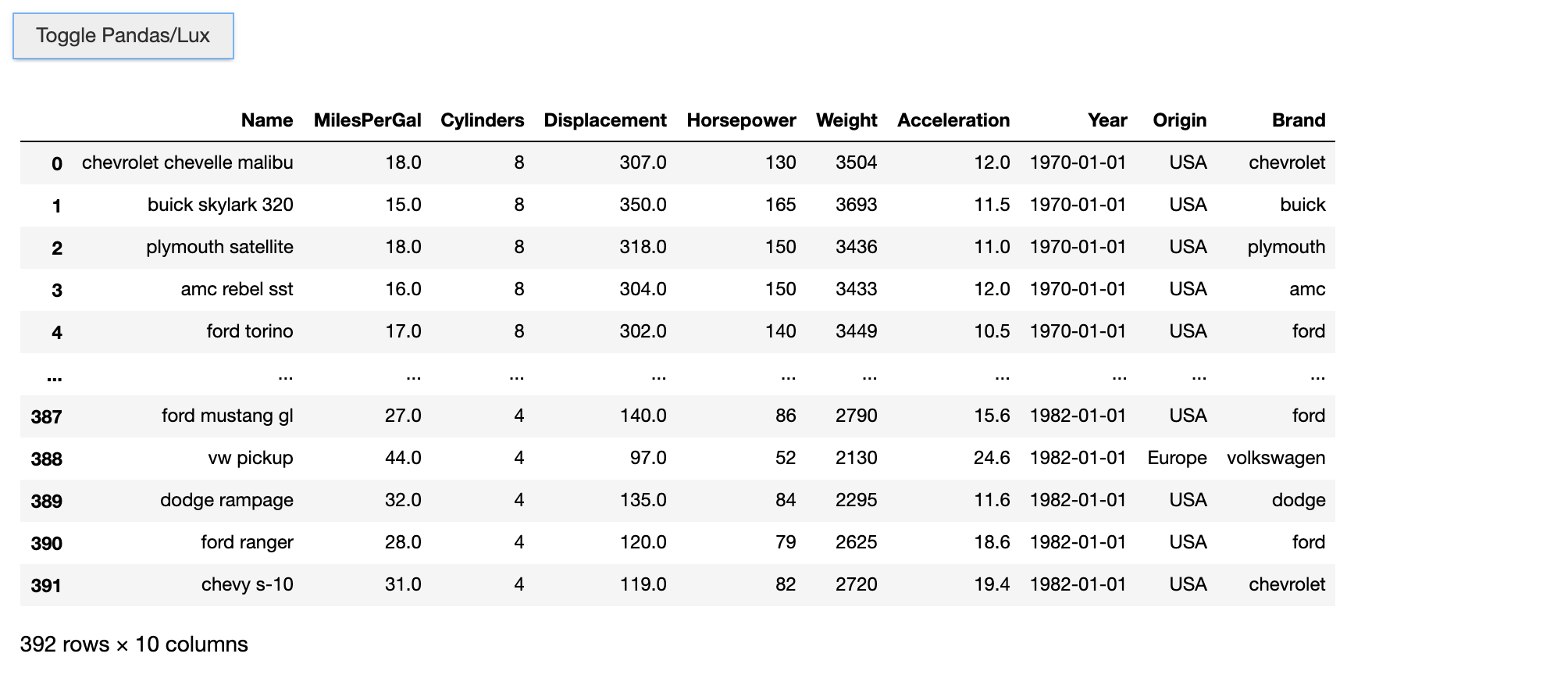
We can set the default_display back to ‘pandas,’ which would allow for the dataframe object to display first. You can still toggle to Lux/Pandas respectively using the ‘Toggle’ button.
lux.config.default_display = "pandas" # Set Pandas as default display
df
If you try to set the default_display to anything other than ‘lux’ or ‘pandas,’ a warning will be shown, and the display will default to the previous setting.
lux.config.default_display = "notpandas" # Throw an warning
df